Soil Module
Soil inputs strongly influence simulated water availability, nutrient supply, and crop growth. GeoEPIC can create EPIC .SOL files from USDA SSURGO data through the command line. SoilGrids support is available through the Python spatial API, but the current shipped CLI does not expose a soil soilgrids command.
- USDA SSURGO: detailed U.S. soil surveys.
- ISRIC SoilGrids 250m: global gridded soil properties available through
geoEpic.spatial.SoilGrids.
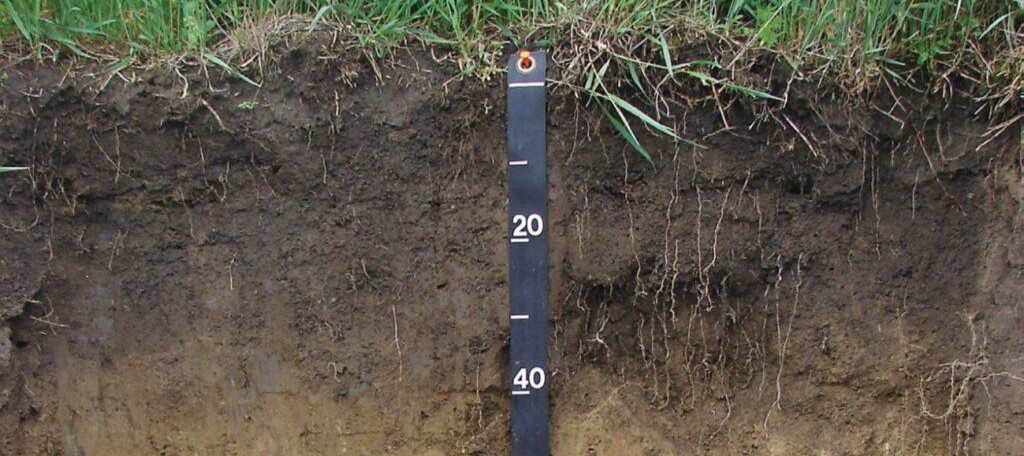
USDA SSURGO CLI
The USDA Soil Survey Geographic (SSURGO) database is a comprehensive resource for soil data collected by the Natural Resources Conservation Service (NRCS) across the United States and the Territories. This database provides detailed information on soil properties and classifications. The data is collected through extensive field surveys and laboratory analysis. For more detailed information, visit the USDA NRCS SSURGO page.
For a specific location, provide latitude and longitude coordinates to generate a soil file named {mukey}.SOL.
# Fetch and output soil files for a specific latitude and longitude
geo_epic soil usda --fetch 39.0 -77.0 --out ./soil/files

# Fetch for a CSV file with latitude and longitude columns
geo_epic soil usda --fetch ./locations.csv --out ./soil/files

# Fetch for shapefile centroids
geo_epic soil usda --fetch ./fields.shp --out ./soil/files
Use --raw to save the fetched SSURGO table as CSV instead of writing .SOL.
Processing a gSSURGO geodatabase
To process a local gSSURGO geodatabase, download the state geodatabase, extract it, and point your workspace config.yml at the .gdb path.
Link: https://www.nrcs.usda.gov/resources/data-and-reports/gridded-soil-survey-geographic-gssurgo-database
The command reads soil.ssurgo_gdb, soil.files_dir, soil.soil_map, site.slope_length, and region settings from config.yml.
SoilGrids Python access
The current command-line dispatcher does not register a SoilGrids soil command. For Python workflows, use the spatial API:
Once a .SOL file is generated, open it to verify that it contains the expected layers and formatting before running EPIC.
Refer to the EPIC manual for Soil file formatting