GeoEPIC
A toolkit for geospatial crop simulations
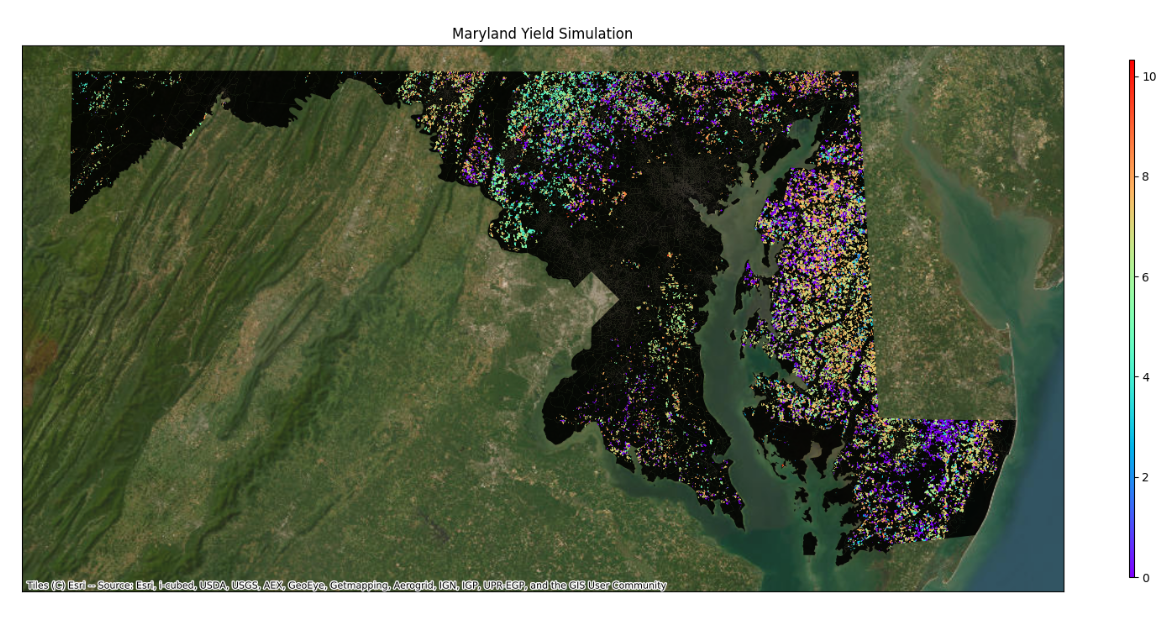
GeoEPIC expands the EPIC crop simulation model for geospatial experiments across fields, counties, and larger study regions. It combines EPIC input preparation, weather and soil utilities, workspace execution, output readers, and calibration helpers for workflows that need to run the same model over many sites.
Quick Install
GeoEPIC is easiest to install with Conda because it depends on compiled geospatial packages such as GDAL. The recommended environment uses Python 3.11.
conda create -n epic_env python=3.11 pip -y
conda activate epic_env
conda install -c conda-forge gdal=3.7 pygmo=2.19.5 -y
python -m pip install git+https://github.com/smarsGroup/geo-epic.git
geo_epic init
For the local-clone setup script and troubleshooting notes, see the installation guide.
Typical Workflow
- Install GeoEPIC and initialize metadata with
geo_epic init. - Create a workspace with
geo_epic workspace new -n Test. - Prepare soil, weather, site, and management inputs in the workspace.
- Run simulations with
geo_epic workspace run -c config.yml. - Read ACY, DGN, and other EPIC outputs through
geoEpic.io. - Calibrate selected model parameters with
geoEpic.core.PygmoProblemwhen observed data are available.
Use Cases
- Crop yield forecasting over large geographies.
- Soil, weather, and management input preparation for EPIC.
- Remote-sensing driven model evaluation and calibration.
- Post-processing EPIC output files for maps, tables, and diagnostics.
Contributors
Bharath Irigireddy, Varaprasad Bandaru, Sachin Velmurgan, Rohit Nandan, SMaRS Group.